
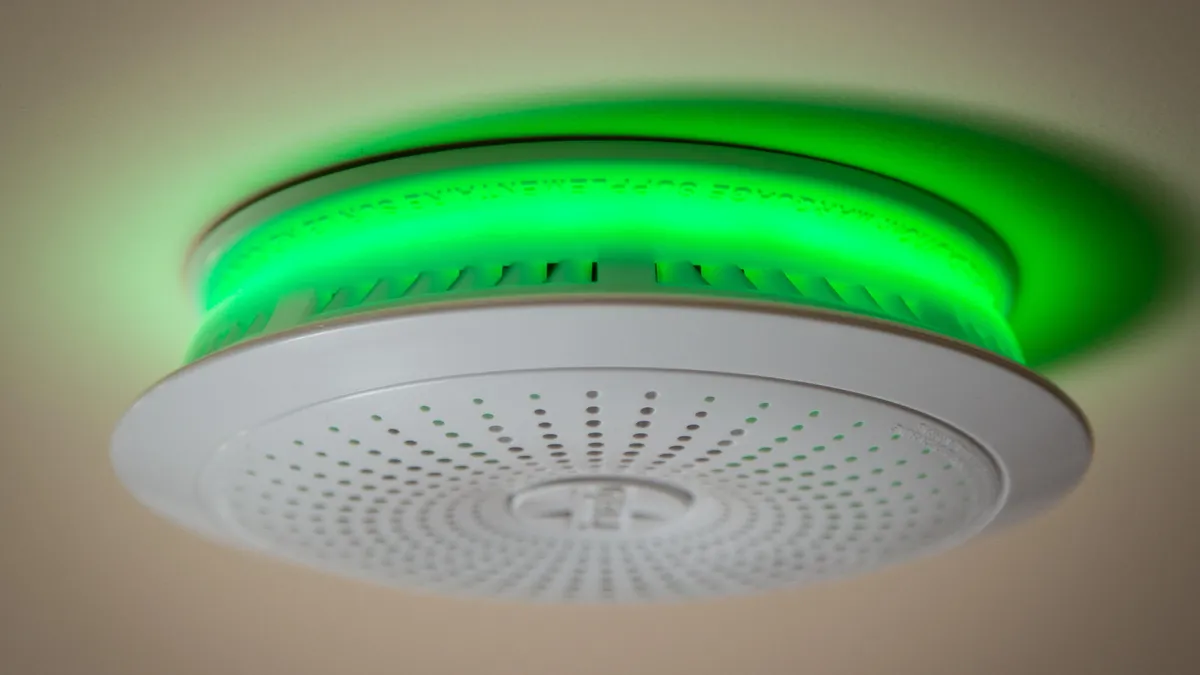
Zigbee smoke, carbon monoxide, and gas alarms should always be treated as standalone safety devices first, meaning they still need to be loud and reliable on their own.
Home Assistant doesn’t replace that, but it gives you much quicker notice that something is happening.
Table of Contents
What Home Assistant Is Actually Doing Here
Once paired via Zigbee (ZHA or Zigbee2MQTT), these alarms usually expose a simple entity:
smokecarbon_monoxidegas
That entity changes state when the alarm physically sounds.
That’s the only thing you should be building automations around.
The role of Home Assistant is very simple:
- Notice the alarm has triggered
- Tell the right people
- Optionally provide some context
The Core Setup
A sensible setup usually looks like this:
- Alarm triggers
- → Push notifications are sent
- → Lights turn on in key areas
- → Cameras start recording (if you have them)
For the lights make sure that are all lights are turned on at full brightness, it will help anyone in the house especially if it’s dark/night.
For the cameras, start recording everything the moment an alarm triggers, allows you to understand the situation as fast as possible.
Where This Setup Is Actually Useful
Rather than individual edge cases, this setup really helps in a few common situations.
When You’re Not Home Much
If you’re away for work, out for the day, or away overnight, a normal alarm can sound for hours with no response.
With Home Assistant:
- You know within seconds
- You can check cameras
- You can contact someone nearby or escalate
Rentals, Holiday Lets, and Second Properties
For rentals and holiday lets, this is less about automation and more about awareness.
It lets you:
- Know if a smoke, CO, or gas alarm has gone off
- See if it’s still ongoing
- Be aware even if guests don’t contact you immediately
Children Home Alone
If a child is home alone and an alarm triggers:
- The siren does the immediate alerting
- You’re notified at the same time
That gives you the chance to:
- Call neighbours or for help
- Give clear instructions
- Check cameras if fitted
Home Assistant isn’t here to make decisions just help keep you informed.
Why Zigbee?
I think Zigbee devices are by far the strongest canidate for alarms.
Zigbee works well because it’s:
- Local-first – alarms and automations continue to work even if the internet is down
- Low power – ideal for battery-powered safety devices, that are meant to last
- Simple – no accounts, no subscriptions, no cloud dependency
As they don’t rely on Wi-Fi, this can help avoid issues during power cuts/ router problems, making Zigbee the most sensible choice for your smart alarms.