Unlocking your home assistant dashboard
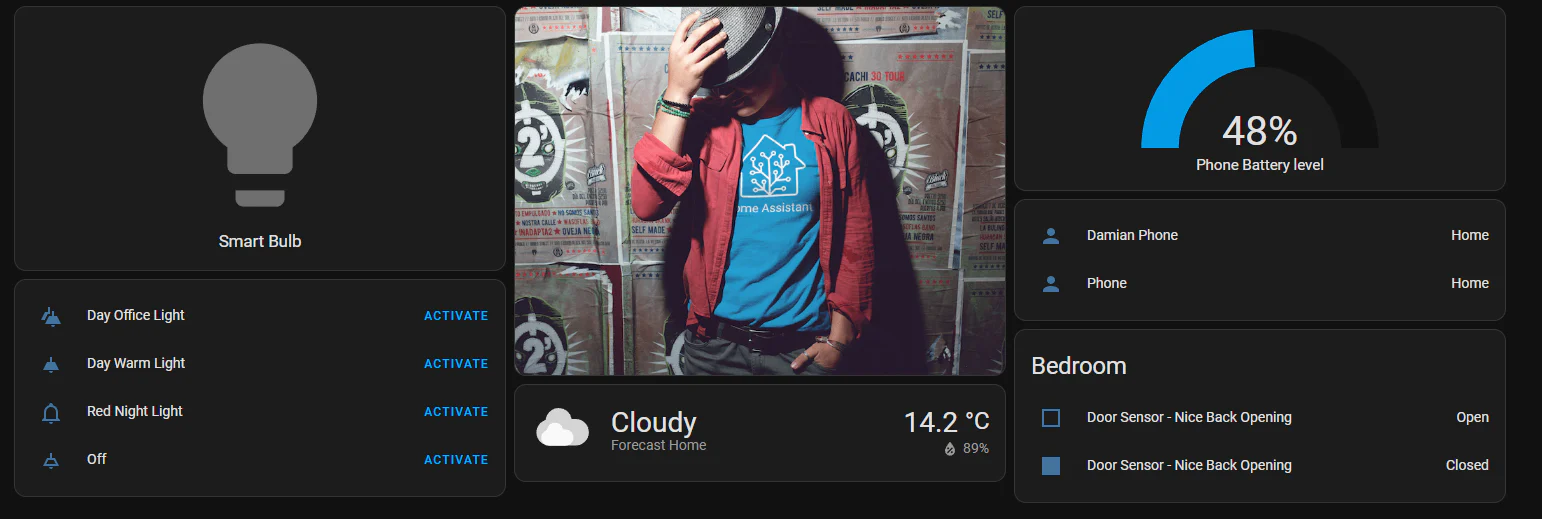
In this post we look at how to take control of your dashboard in Home Assistant, as well as create and manage views and cards.
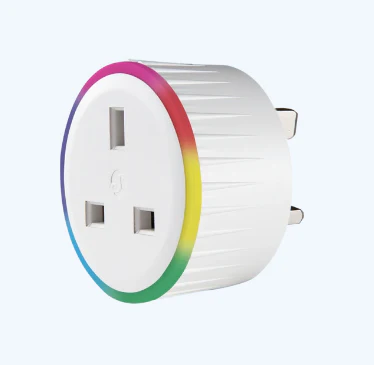
Prerequisites Before starting, ensure that: Setup Connecting your Shelley Plug to the network 1. Plug in the Shelly Plug UK into a power outlet. 2. Download the Shelly app on your phone (if you don’t already have it). Link to Shelly App Download 3. Tap the + icon to add a new device. 4. Then … Read more
MQTT (Message Queuing Telemetry Transport) is a messaging protocol that allows smart home devices to communicate with each other efficiently. It uses a publish–subscribe model, where devices send messages to specific topics, and other devices listen (subscribe) to those topics to receive updates.
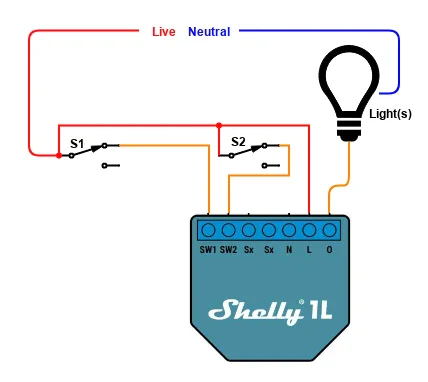
In this guide we will explain how a Shelly 1L can be used to provide two way switching
The Shelly BLU Button1 is a bluetooth-operated action and scenes activation button that can be used to execute up to 4 pre-set actions or scenes with simple click combinations.
By default the Shelly BLU Button1 will beep when it executes an action or scene. Depending on the use case, this may not be desirable.
You’ve probably heard of Matter — the new smart home standard backed by Apple, Google, Amazon, and others. It promises to fix compatibility headaches by letting all your devices talk to each other, regardless of brand or ecosystem.
Sounds great. But if you’re already deep into smart home setups — especially with Home Assistant and Zigbee/Z-Wave/etc. — you might be wondering: is Matter even relevant to me?
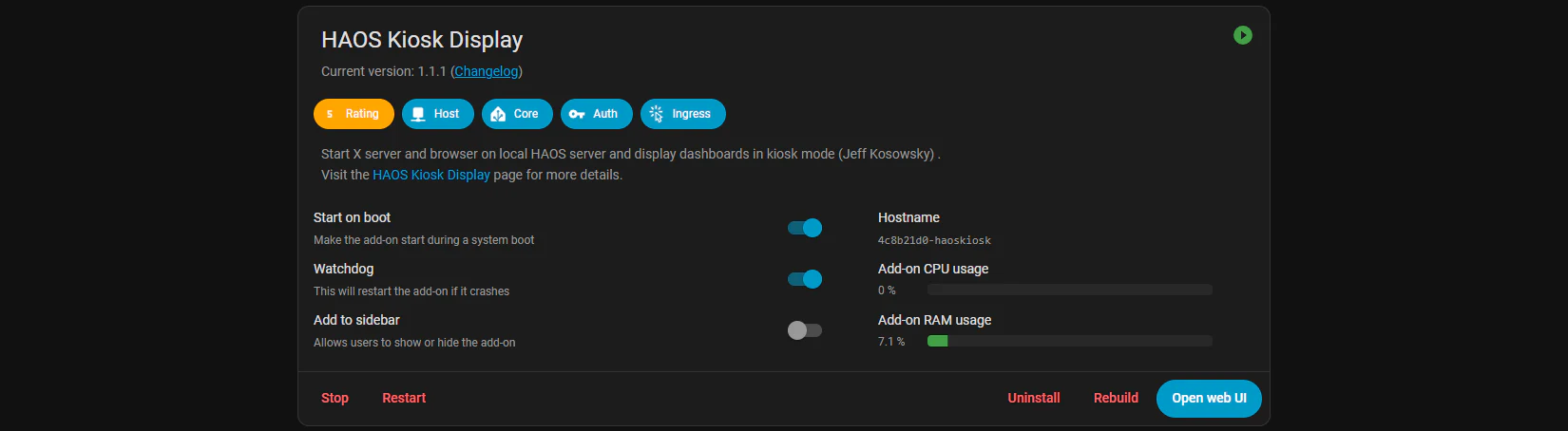
Want your Home Assistant dashboard on the TV or a wall-mounted touch display plugged into the same device that’s running Home Assistant OS?